Printer Preventive Maintenance Checklist: Keep Your Printer Running Smoothly
Published on: January 14, 2025 • Category: Maintenance
Regular maintenance is essential for keeping your printer in good working condition. Whether you use it at home, in a small office, or in a business environment, a well-maintained printer provides better print quality, fewer breakdowns, and longer lifespan. This comprehensive preventive maintenance checklist will help you take care of your printer and ensure smooth performance throughout the year.
Why Preventive Maintenance Matters
Printers accumulate dust, toner residue, and wear on moving parts over time. Without proper upkeep, these issues can cause faded prints, paper jams, slow printing speed, and mechanical faults. Proactive maintenance helps you avoid sudden failures and reduces long-term repair costs.
1. Clean the Printer Exterior
Dust and dirt can enter the printer and affect internal components. Tip: Wipe the exterior surfaces using a soft, dry microfiber cloth. Avoid chemical sprays directly on the printer.
2. Clean the Paper Tray and Paper Path
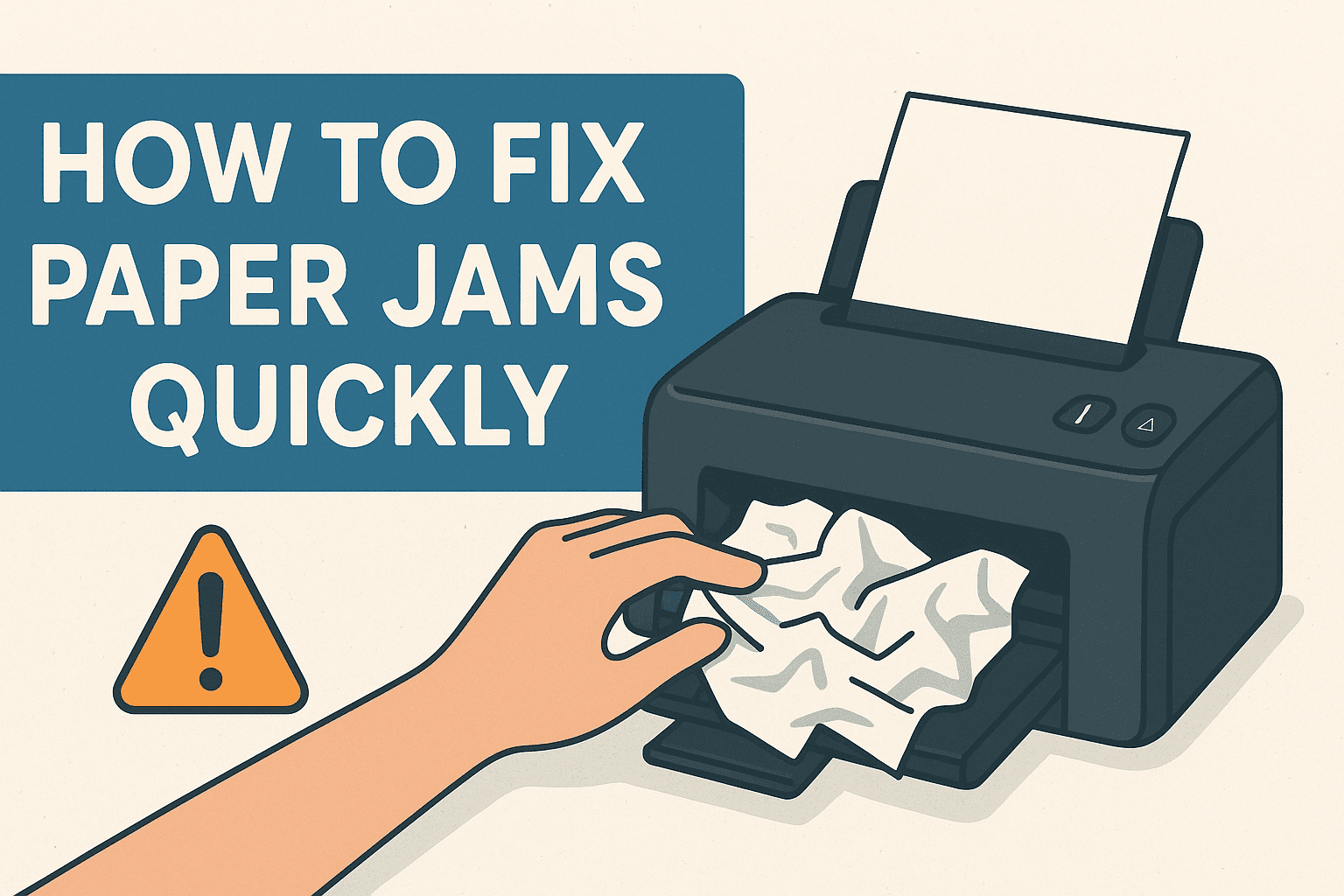
Tiny particles and torn paper pieces may accumulate in the tray or inside the paper path. How to do it: Remove the paper tray, clean the rollers and guides, and ensure no debris is left inside the printer. This step reduces the risk of paper jams and ensures smooth feeding.
3. Inspect and Clean Print Rollers
Print rollers are responsible for grabbing and feeding paper. Over time, they may lose grip due to dust or wear. Tip: Clean rollers using a lint-free cloth lightly dampened with water. Allow them to dry completely before using the printer again.
4. Replace Worn Rollers When Needed
If cleaning does not improve performance, the rollers may be worn out. Fix: Check your printer model’s manual or manufacturer’s website for compatible replacement rollers.
5. Keep the Interior Dust-Free
Dust accumulation inside the printer affects sensors and moving parts. How to clean: Use a hand air blower or a soft brush to gently remove dust. Avoid using a vacuum cleaner, as it may cause static buildup.
6. Check Ink or Toner Levels Regularly
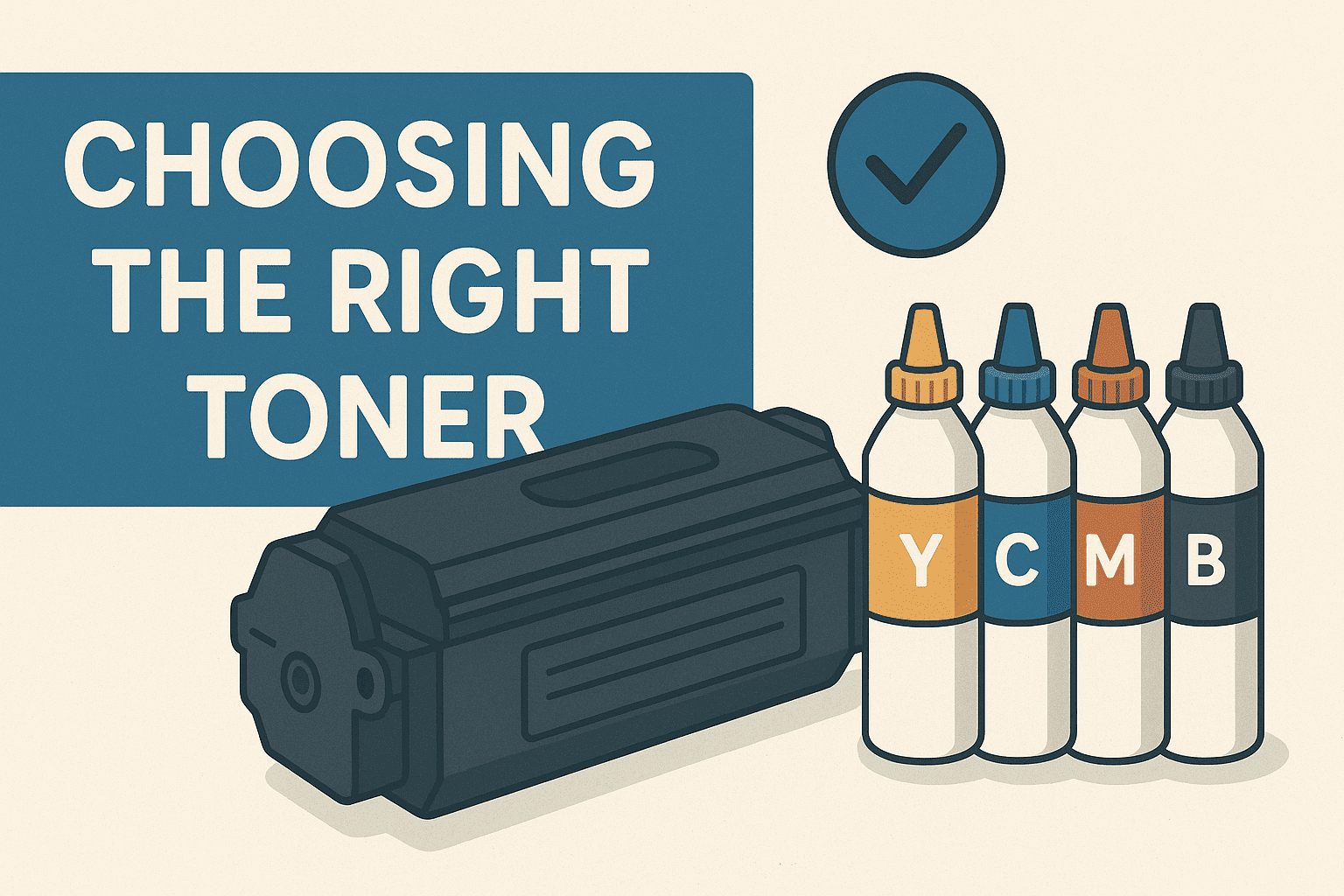
Low ink or toner can cause faded prints or streaks. Tip: Check supply levels through the printer’s control panel or drivers. Replace cartridges before they are fully empty to maintain consistent print quality.
7. Use High-Quality Paper
Poor-quality or damp paper can cause jams, smudges, and misfeeds. Tip: Store paper in a dry environment and choose paper recommended for your printer type, such as inkjet or laser-compatible sheets.
8. Update Firmware and Drivers
Manufacturers release updates to improve performance, fix bugs, and enhance compatibility. Action: Check regularly for firmware updates on the printer’s display panel or the official website. Keep drivers updated on all connected devices.
9. Inspect Cables and Network Connections
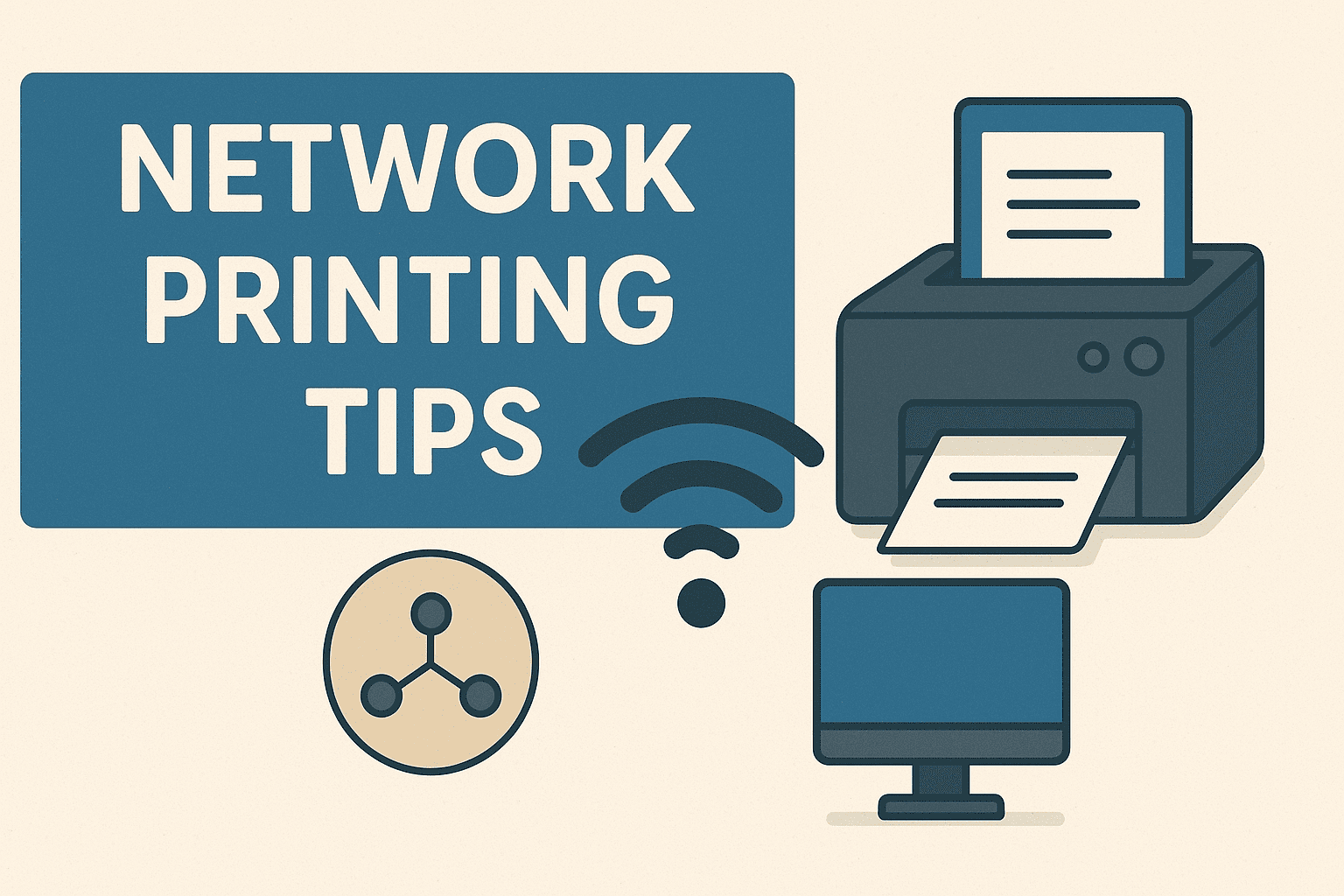
Loose cables or unstable Wi-Fi connections can cause printing delays or offline errors. Tip: Make sure Ethernet cables are secure, USB connections are firm, and the printer is within a good range of the Wi-Fi router.
10. Run Printhead Cleaning (Inkjet Printers)
Inkjet printheads may get clogged if the printer is not used regularly. Fix: Use the built-in cleaning tool found in the printer settings to clear blocked nozzles and improve print sharpness.
11. Clean the Fuser Unit (Laser Printers)
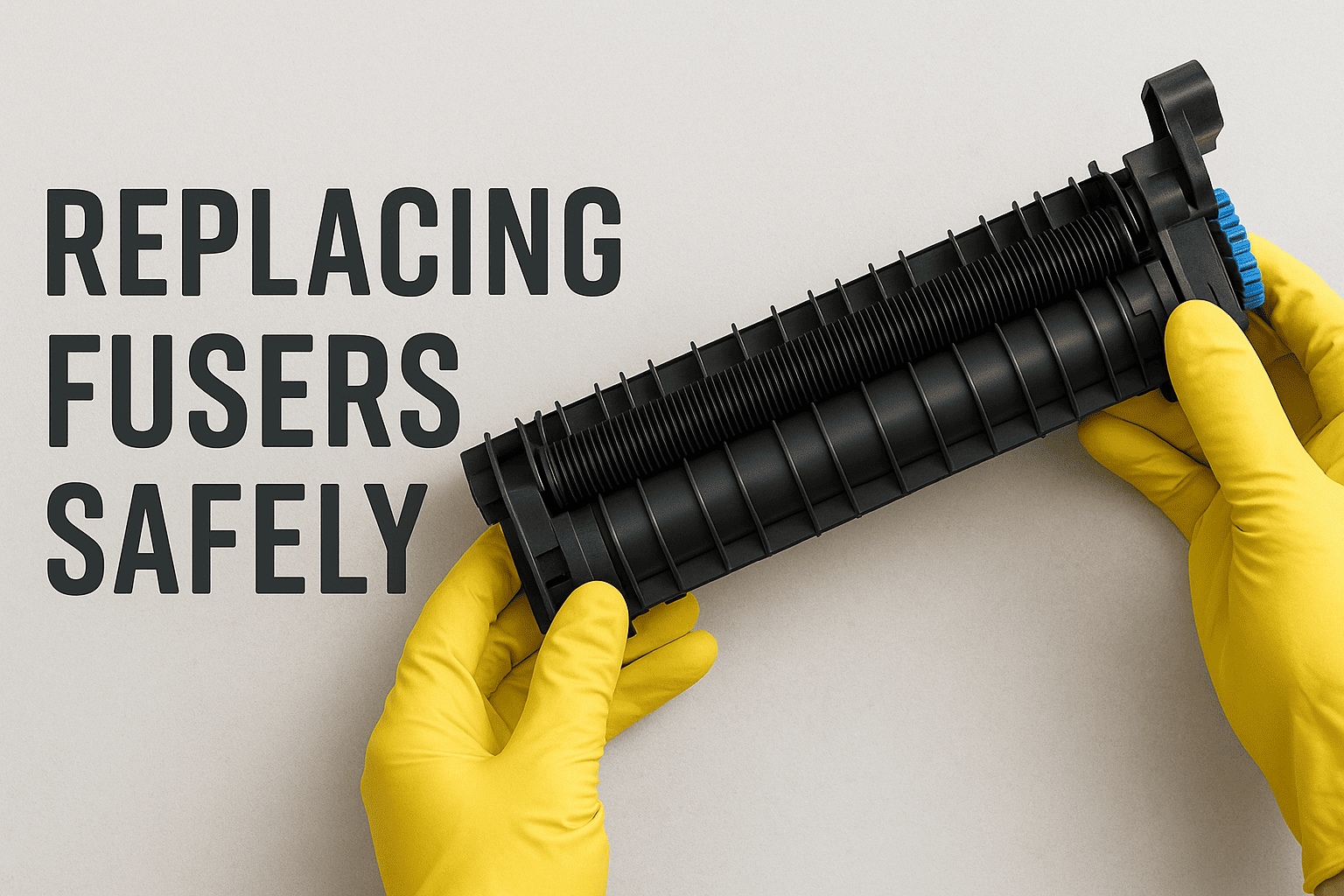
The fuser unit bonds toner to paper using heat. Dust or residue on the fuser can cause smudges or faint prints. Tip: Refer to your printer manual for safe cleaning instructions or contact a professional if the fuser requires replacement.
12. Avoid Overloading the Paper Tray
Overfilled trays may cause misfeeds or jams. Tip: Load paper up to the indicated limit and always align the stack before inserting it.
13. Keep the Printer in a Ventilated Area
Printers generate heat during operation. Proper airflow prevents overheating and protects internal components. Avoid placing the printer in enclosed spaces or direct sunlight.
14. Schedule a Professional Inspection Periodically
Even with regular home or office maintenance, printers benefit from professional servicing. Technicians can inspect internal parts, identify early signs of wear, and ensure everything works efficiently.
Printable Maintenance Checklist
- Clean exterior and interior
- Clean and inspect rollers
- Check ink or toner levels
- Update firmware and drivers
- Inspect cables and connections
- Use recommended paper
- Clean printheads or fuser
- Keep printer dust-free
- Avoid tray overloading
- Schedule periodic servicing
Regularly following these steps helps ensure consistent print quality and longer printer performance.
Final Thoughts
Preventive maintenance is one of the most effective ways to protect your printer and avoid unexpected printing issues. By following this simple checklist, you can maintain clear prints, reduce downtime, and extend your printer’s life. Regular cleaning, timely updates, and proper usage habits go a long way in ensuring smooth and reliable printing for both home and office environments.