How to Fix Paper Jams Quickly: A Complete Step-by-Step Guide
Published on: January 5, 2025 • Category: Troubleshooting
Paper jams are one of the most common printing issues at homes and offices. They interrupt your work and can be frustrating when you are printing important documents. The good news is that clearing a paper jam is usually simple and can be done safely without any technical knowledge. This guide explains how to fix paper jams quickly, why they happen, and what you can do to prevent them.
What Causes Paper Jams?
Understanding the cause helps prevent future jams. The most common reasons include incorrect paper loading, overfilled trays, damp or curled paper, worn-out rollers, or small foreign particles inside the printer. Using unsupported paper types or sizes can also lead to jams.
1. Turn Off the Printer
Before removing stuck sheets, turn off the printer and unplug it from the power source. This ensures safety and stops internal components from moving while you clear the jam.
2. Check the Paper Tray
Remove the input tray and check for loose or misaligned sheets. Many jams begin here. Align the stack, remove curled pages, and ensure the paper guides are set correctly.
3. Open All Access Panels
Most printers include a front cover, rear access door, and a top cover. Open each section and inspect for stuck sheets or small torn pieces blocking the paper path.
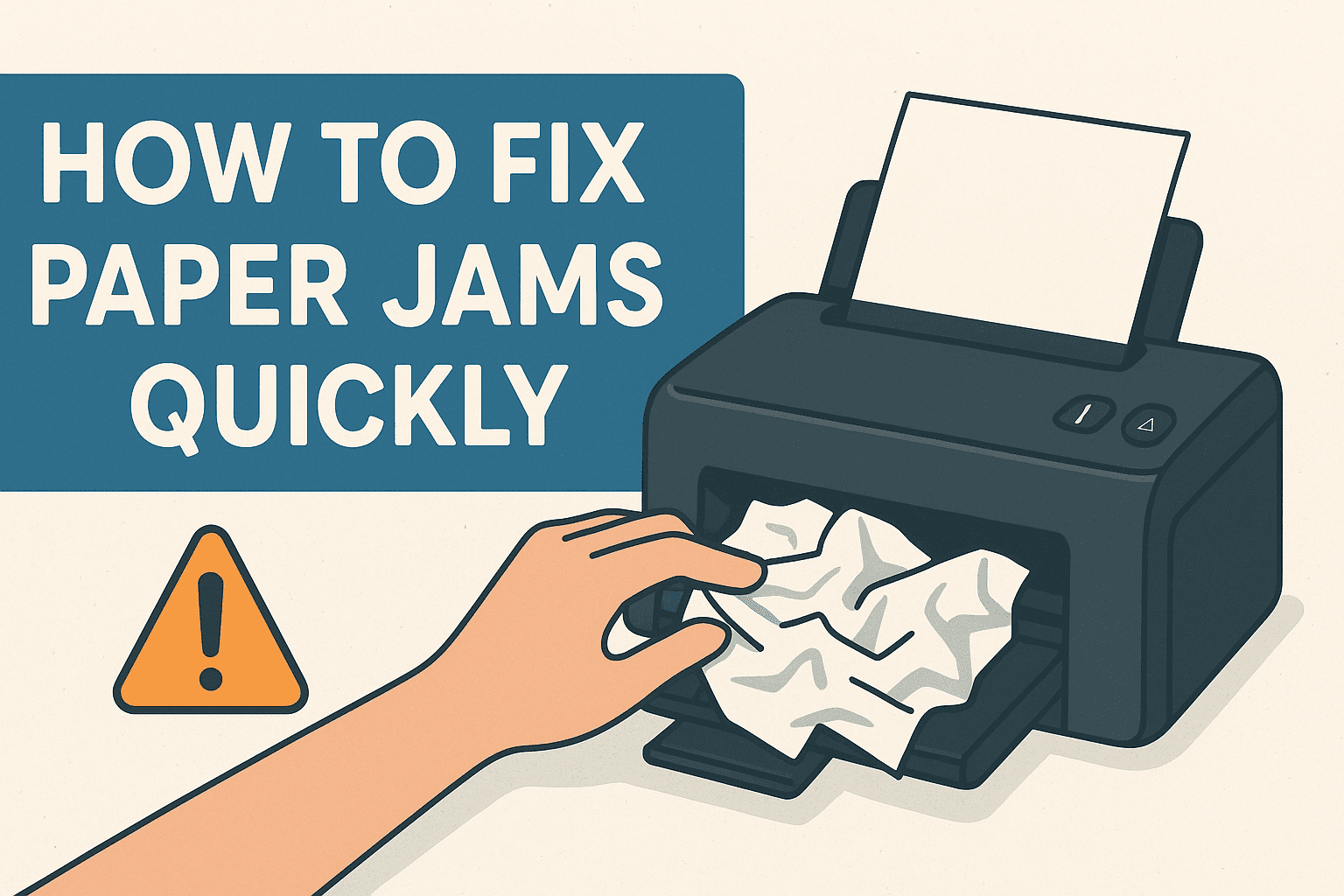
4. Remove Jammed Paper Gently
Hold the jammed paper with both hands and pull slowly in the same direction the paper normally moves. Avoid pulling too fast or too hard to prevent tearing.
5. Check and Clean the Rollers
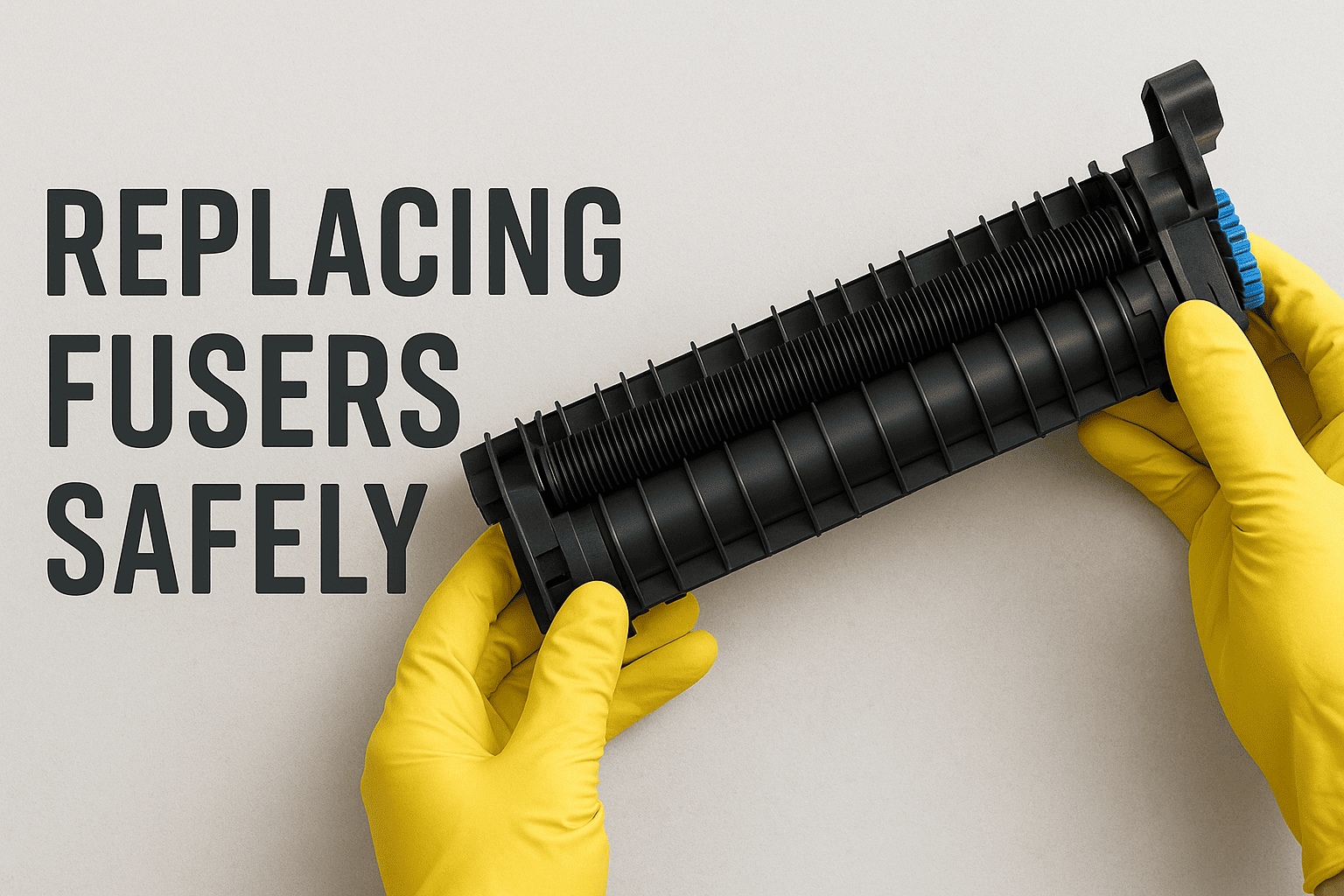
Rollers may collect dust, causing reduced grip. Wipe them with a clean, lint-free cloth lightly dampened with water. Make sure they are completely dry before printing again.
6. Reload Paper Correctly
After clearing the jam, reload fresh paper into the tray. Align the stack by tapping it gently and avoid overfilling the tray.
7. Restart the Printer
Once everything is in position, reconnect the power and turn on the printer. Print a test page to ensure smooth operation.
How to Prevent Paper Jams
Preventing jams is easier than fixing them. Use high-quality paper, keep sheets dry, avoid bent or curled pages, and regularly clean the printer. Correct paper alignment and the right paper type also reduce jams.
Final Thoughts
Paper jams are common but manageable. With the steps above, you can quickly resolve most issues and keep your printer running smoothly. If jams occur repeatedly, the printer may require a routine check by a trained technician. Good printing habits help maintain long-term performance.